
Video Surveillance guide
How to clean an outdoor security camera safely
A practical security-camera cleaning guide for coastal properties: safe materials, correct steps, image verification and signs that require professional service.
Direct answer
The safe starting point.
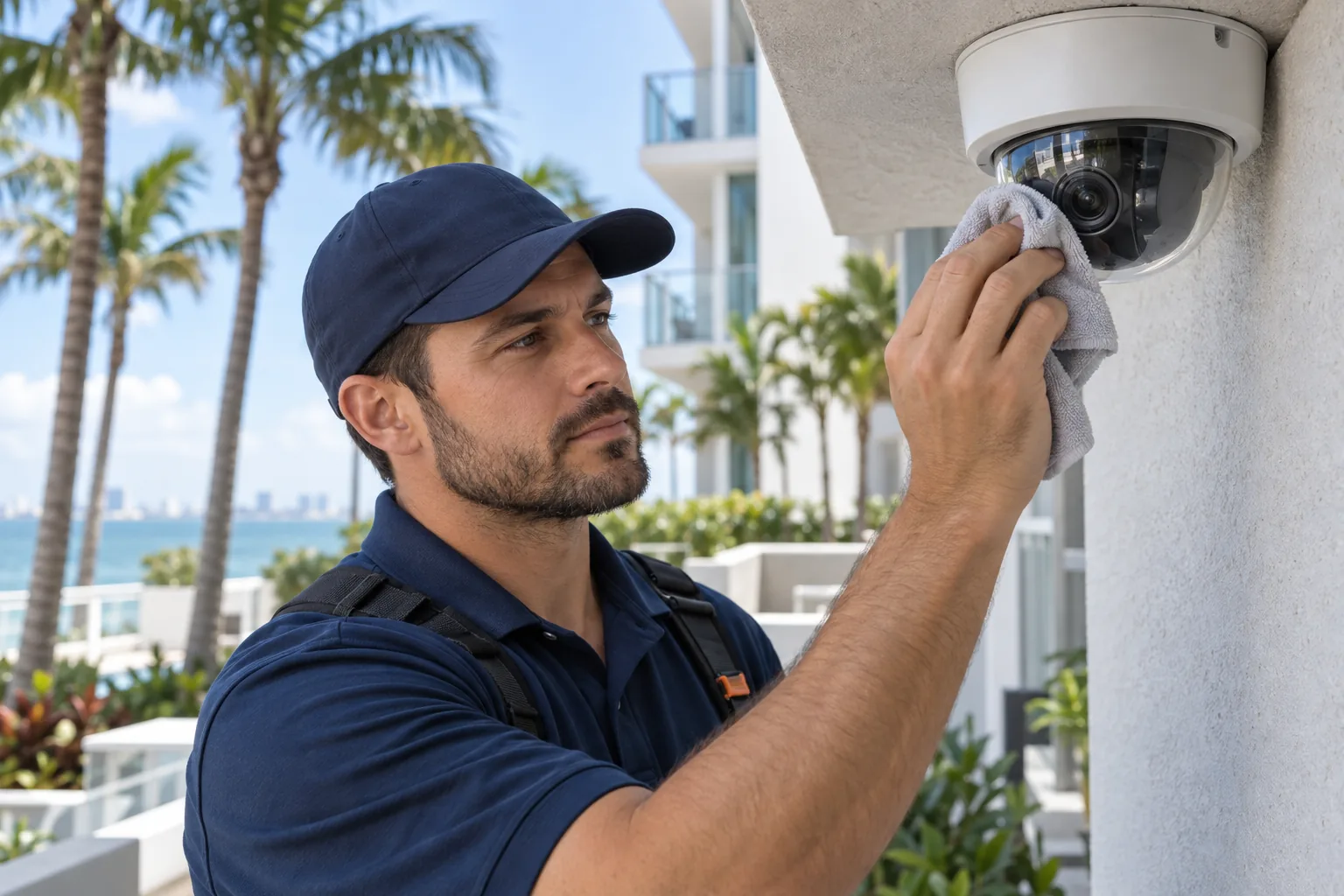
Use a clean air blower or very soft brush to remove loose debris, then wipe the exterior lens window or dome gently with a clean optical-grade microfiber cloth. If the manufacturer permits damp cleaning, apply approved lens solution or clean water to the cloth—not directly to the camera. Never open the housing, force a PTZ mechanism or work at height without proper access equipment.
Basic procedure
A documented check is more useful than a guess.
Follow the equipment manufacturer’s instructions and your property’s safety procedures. Stop whenever access, voltage, moving equipment or life-safety operation creates uncertainty.
- 01
Check the live and recorded image
Save a before image and confirm whether blur, haze, glare, water spots, insects or focus is actually the problem.
- 02
Make the work area safe
Use approved access equipment and keep people below clear. Do not lean from balconies or improvise ladder placement.
- 03
Remove loose material first
Use a hand blower or very soft clean brush. Dragging sand across a dome can permanently scratch it.
- 04
Clean the viewing surface
Use a fresh optical microfiber cloth. Apply only manufacturer-approved solution to the cloth when dry wiping is insufficient.
- 05
Inspect seals and mounting
Look for cracks, condensation, loose hardware, damaged cable entries, corrosion or water intrusion without opening the housing.
- 06
Verify the result
Compare live and recorded day images, then verify infrared or low-light performance after dark when nighttime evidence matters.
Avoid these mistakes
Do not create a larger failure.
- Paper towels, shop rags or abrasive pads
- Household glass cleaner, ammonia, acetone or unapproved solvents
- Pressure washers or spraying liquid directly at the camera
- Rotating a PTZ, turret or varifocal assembly by force
- Opening sealed housings or disconnecting equipment without authorization
Call a professional when
The system needs more than observation.
- Condensation or water is visible inside the housing
- The dome is scratched, yellowed, cracked or delaminating
- The image remains blurred after the exterior is clean
- Infrared glare appears after cleaning
- The mount, conduit or cable entry is loose or corroded
- Safe access requires a lift, roof work or fall protection
Related professional service
Video Surveillance
Review the complete service scope, operating decisions and Northwest Florida conditions before requesting work.